

Custom Shopify Theme Development: What to Know Before You Build
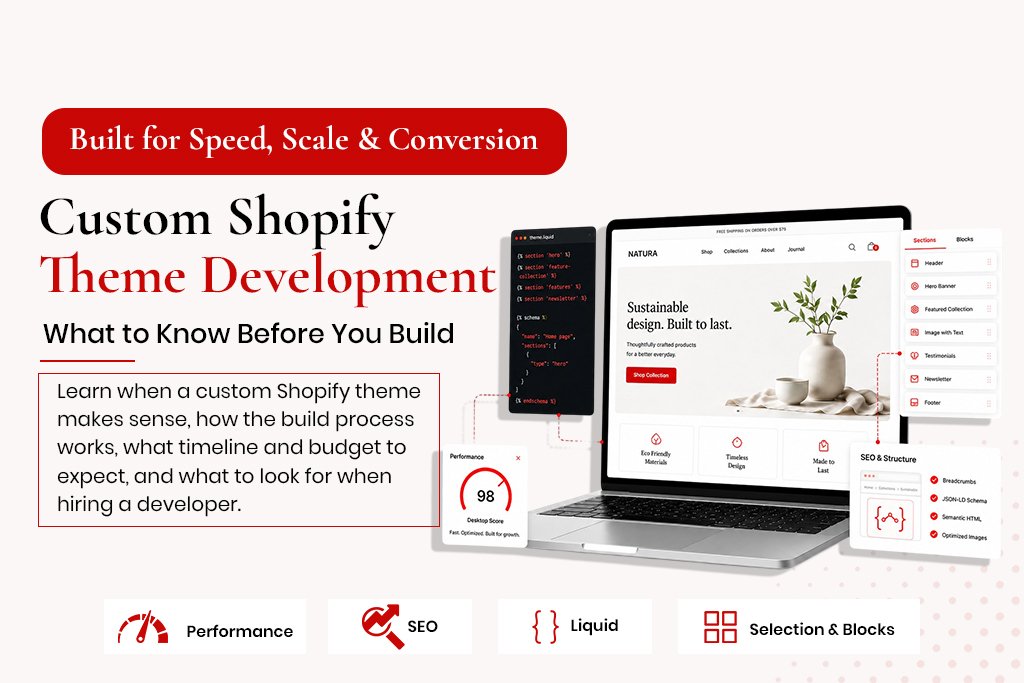
Custom Shopify Theme Development: What to Know Before You Build Most Shopify stores start with a premium theme from the Shopify Theme Store. That is a sensible starting point – premium themes are well-built, responsive and relatively fast. But at some point, many merchants hit a ceiling. The theme cannot do what the brand needs. Customisations require workarounds. The design looks like two dozen other stores in the same niche. This guide covers what a custom Shopify theme actually involves, when it makes sense versus customising an existing theme, what the development process looks like, how much it costs, and what to look for when hiring a developer. Premium Theme vs Custom Theme – When Custom Wins Your Brand Has Specific Design Requirements If your brand requires a completely unique product page layout or custom interactive elements no theme section supports, a custom build is the answer. Your Store Needs Performance That Heavy Themes Cannot Deliver Feature-rich premium themes score 40-60 on mobile PageSpeed. A custom theme built lean – only the code you actually use – can score 85-95. You Need Custom Functionality Baked Into the Theme Custom product configurators, unusual checkout experiences, B2B-specific pricing displays – these need the theme and functionality built together. Your Store Has Scaled Beyond the Theme’s Capabilities A store that started with 50 products and now has 5,000 often finds the original theme was not built for that scale. What a Shopify Custom Theme Developer Actually Builds Liquid Templating Shopify themes are built in Liquid, Shopify’s templating language. A developer writes and modifies templates controlling the front-end experience across product, collection, cart and other pages. Shopify Sections and Blocks Modern themes use a sections-and-blocks architecture – reusable content modules that can be rearranged through the theme editor without code. A custom developer builds these to your design requirements. Performance Optimisation A good developer thinks about performance at every stage – the Shopify Image object for responsive images, deferred JavaScript, minimal CSS, locally hosted fonts. SEO Infrastructure Meta tags, canonical tags, schema markup, breadcrumb navigation – built into the theme by default, not added as an afterthought. The Custom Shopify Theme Development Process Phase 1 – Discovery (1-2 weeks): Understanding brand, customer journey, technical requirements and performance targets. Produces a technical specification. Phase 2 – Design (2-4 weeks): UI/UX design in Figma. Desktop and mobile layouts for every page type. Phase 3 – Development (3-6 weeks): Building Liquid templates, sections and blocks. Integrating metafields and apps. Implementing schema. Phase 4 – QA and Testing (1-2 weeks): Cross-browser and cross-device testing, performance testing, functional testing. Phase 5 – Launch (1 week): Migrating content, testing in a dev environment, switching the live theme. Phase 6 – Post-Launch Support (2-4 weeks): Addressing live issues, optimisation based on real-user data, documentation handover. Custom Shopify Theme Timeline and Cost Project Type Timeline Cost Range Theme Customisation 1-3 weeks $500-$3,000 Custom Theme – Standard Shopify 6-10 weeks $5,000-$15,000 Custom Theme – Shopify Plus 10-16 weeks $15,000-$40,000+ What to Look For When Hiring a Shopify Theme Developer Ask to see PageSpeed scores for live stores they have built Ask how they handle SEO in the theme Ask to see their Liquid code organisation Ask about their testing process Check references from stores they have built specifically Frequently Asked Questions Is a custom Shopify theme worth the investment? For a store under $30K/month, a well-customised premium theme is usually sufficient. For $100K+/month stores, the conversion and performance gains typically repay the cost within 3-6 months. Will a custom theme break when Shopify updates? A custom theme built to Online Store 2.0 standards is resilient to platform updates. What breaks themes is usually third-party app updates or deprecated Liquid features. Can I edit a custom theme myself after it is built? Yes, if built with proper sections and blocks – non-technical team members can change text, images and layouts through the theme editor. How do I maintain a custom Shopify theme? Quarterly performance reviews, monitoring for JavaScript errors, checking third-party integrations after app updates.